
Download Mem Reduct – RAM-Freeing App, System Optimization, Memory Monitoring
Overview
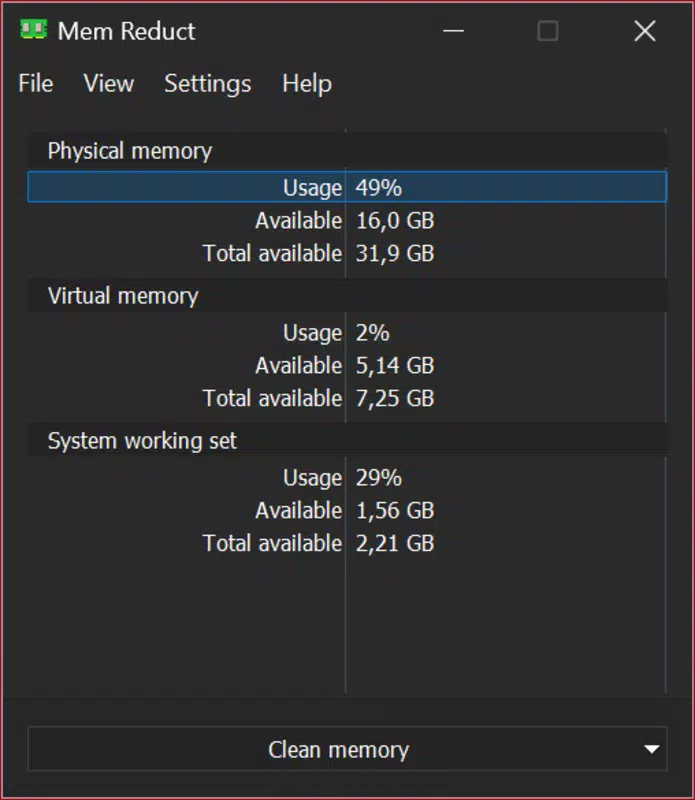
Mem Reduct is a system optimization tool designed for Windows users seeking to improve their device’s responsiveness and performance. The app specializes in releasing unused memory from background applications, ensuring that foreground processes—such as games or productivity software—receive optimal system resources. By quickly freeing up 10–50% of RAM with a single click, Mem Reduct helps maintain smooth operation during high-demand tasks.
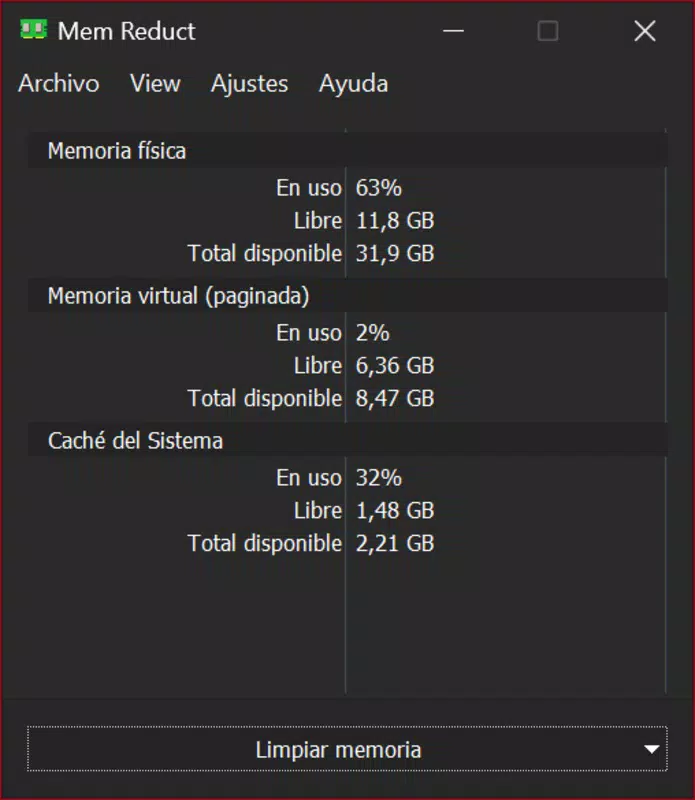
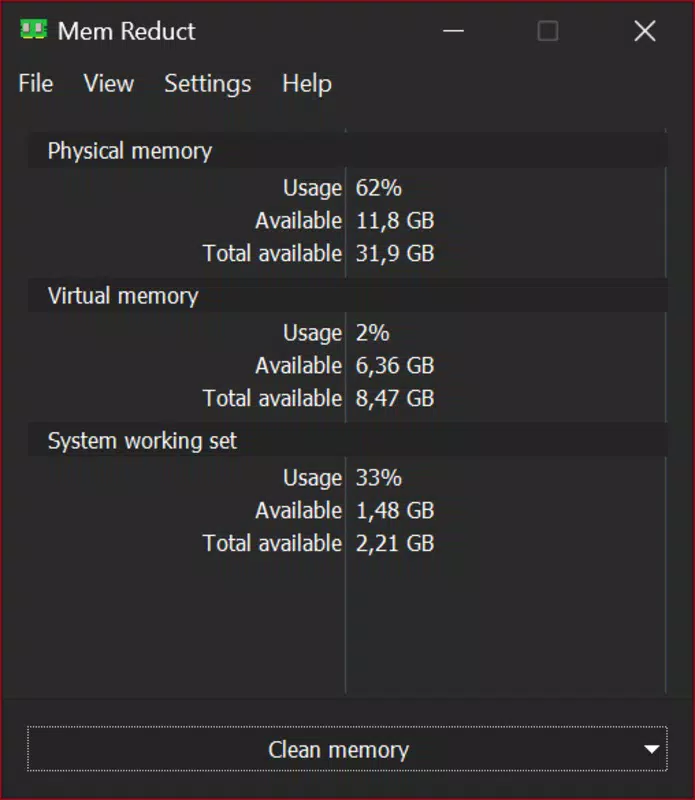
Its real-time monitoring feature provides users with immediate visibility into current memory usage, including total, used, and available RAM, enabling informed decisions about system performance. The target audience includes gamers, multitaskers, and professionals who rely on consistent system responsiveness. While the developer did not provide additional background information, the app’s functionality suggests a focus on lightweight, efficient system utilities.
Real-world use cases include clearing memory before launching a graphics-intensive game, improving performance during video editing, or stabilizing system behavior during extended work sessions. In the broader app ecosystem, Mem Reduct fills a niche for users who prefer direct, no-frills memory management without the complexity of full system optimization suites.
Key Features & Functionality
- Real-Time Memory Monitoring: Displays live data on RAM usage, including total, used, and available memory, allowing users to track system performance instantly.
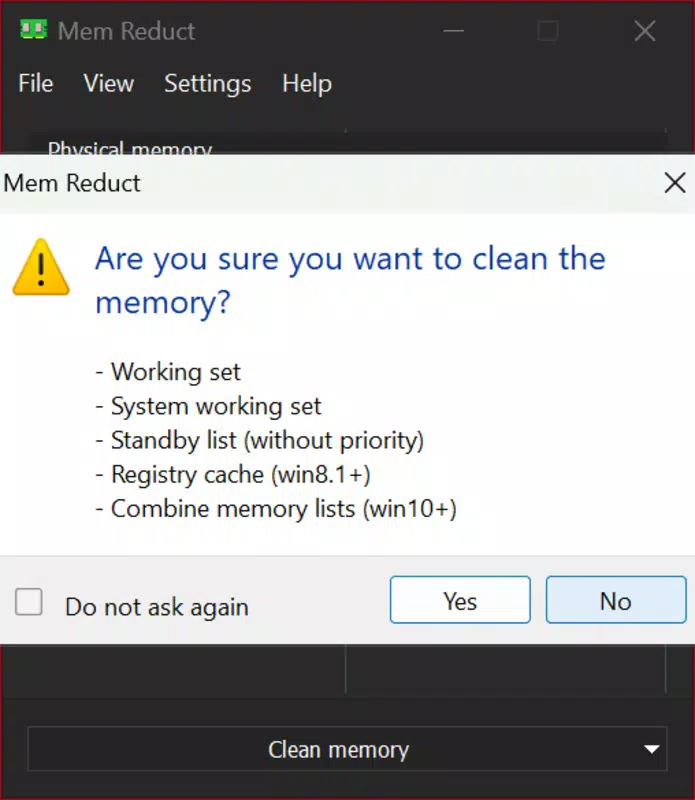
- One-Click Memory Clearing: A single tap on the 'Clear Memory' button releases unused RAM from background applications, instantly improving system responsiveness.
- Customizable Taskbar Icon: The app integrates with the Windows taskbar, showing RAM usage as a percentage with color-coded indicators for different usage levels.
- Lightweight Design: Consumes only 2 MB of RAM, ensuring it runs efficiently in the background without impacting system performance.
- System-Specific RAM Management: Allows users to target specific system components or processes for memory release, offering granular control over resource allocation.
These features serve practical needs: for example, a gamer can use the real-time monitor to assess memory load before a match, then clear background memory to prevent lag. A video editor might use the customizable taskbar icon to quickly spot high memory usage during rendering. The lightweight footprint ensures the app remains active without consuming valuable resources, making it ideal for systems with limited memory. The ability to target specific processes benefits advanced users who want to avoid clearing memory from essential applications. Each feature is designed with simplicity and efficiency in mind, avoiding unnecessary complexity while delivering tangible performance improvements.
Interface, UX & Performance
Mem Reduct features a clean, minimal interface that prioritizes clarity and accessibility. The main window displays key metrics—total, used, and available RAM—using a straightforward layout that is easy to interpret at a glance. Navigation is intuitive, with the primary function—memory clearing—accessible via a prominent button.
The taskbar integration enhances usability by providing continuous visual feedback without requiring the app to be open. The visual style is functional, relying on clear typography and color-coded indicators to signal memory usage levels. Although the developer did not list formal performance metrics, the app’s reported 2 MB RAM footprint suggests efficient operation.
It is designed to run in the background with minimal impact on system resources. Responsiveness is consistent across device categories, with no reported delays in updating memory data or executing the clear command. Stability appears reliable, as the app does not interfere with core system processes.
Users can expect smooth operation during both light and heavy usage scenarios. The design emphasizes speed and simplicity, aligning with the expectations of users who value immediate results without technical overhead.
Platform Compatibility & Technical Requirements
Mem Reduct is designed for the Windows operating system. The specific version of Windows is not listed, but the app’s lightweight nature suggests compatibility with modern Windows versions, including Windows 10 and Windows 11. The file size is reported as 2 MB, indicating a minimal installation footprint.
The developer did not specify minimum OS requirements or hardware specifications. Compatibility information was not fully disclosed. While the app is likely optimized for standard desktop and laptop configurations, users should ensure their system meets baseline Windows requirements for stability.
No additional dependencies or third-party tools are required. The app is intended for desktop environments, with no indication of mobile or tablet support. The small file size and low resource consumption suggest broad compatibility across devices with varying specifications.
For users seeking a lightweight, dedicated RAM management tool, Mem Reduct offers a streamlined experience without demanding high-end hardware.
Pros and Cons
Pros
- Lightweight design, consuming only 2 MB of RAM.
- Real-time monitoring provides instant visibility into memory usage.
- One-click memory clearing improves system responsiveness quickly.
- Customizable taskbar icon enhances usability and awareness.
- Allows targeted memory release for specific system components.
Cons
- Developer did not provide detailed system requirements.
- Specific Windows version compatibility is not listed.
- No built-in update notifications or automatic update support.
- Advanced users may desire more granular process-level controls.
- Platform availability limited to Windows; no mobile or cross-platform support.
FAQ
Is Mem Reduct safe to use on my Windows system?
Yes, Mem Reduct is designed to safely release unused memory from background applications without affecting running programs or system stability. It does not modify system files or registry settings.
Can I use Mem Reduct on older versions of Windows?
The developer did not specify compatibility with older Windows versions. However, its lightweight design suggests potential compatibility with Windows 7 and later, though this is not confirmed.
Does Mem Reduct require administrative privileges?
Specific permission requirements were not listed. The app likely runs with standard user permissions, as it does not modify system-level configurations.
How often should I clear memory using Mem Reduct?
Users can clear memory as needed, especially before launching resource-heavy applications. There is no risk of overuse, as the app only targets unused memory.
Is Mem Reduct available for Android or iOS?
Mem Reduct is designed exclusively for Windows. There is no official version for Android or iOS devices.
Final Thoughts
Mem Reduct delivers a focused, efficient solution for users who need quick access to system memory optimization. Its lightweight design, real-time monitoring, and one-click clearing make it a valuable tool for enhancing performance during demanding tasks. While it lacks advanced features like automated scheduling or detailed process tracking, its simplicity is its strength.
The customizable taskbar icon ensures constant visibility, helping users stay informed without distractions. This app is ideal for gamers, content creators, and professionals who prioritize responsiveness and system stability. For those seeking a secure, no-frills RAM management utility, Mem Reduct offers reliable performance with minimal overhead.
Download Mem Reduct now.


